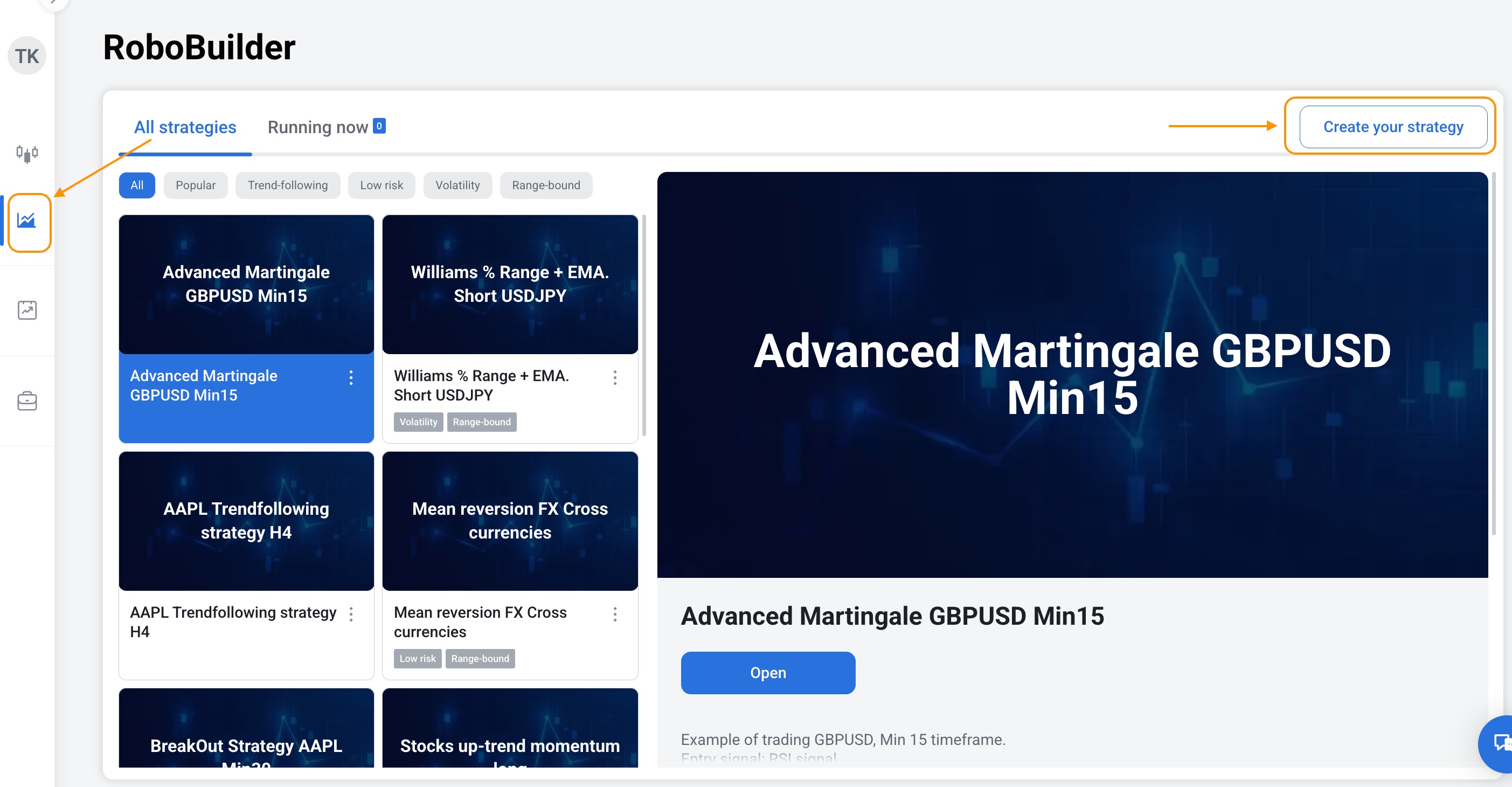
Click on RoboBuilder tab in the left menu. Click Create your strategy in the right corner.
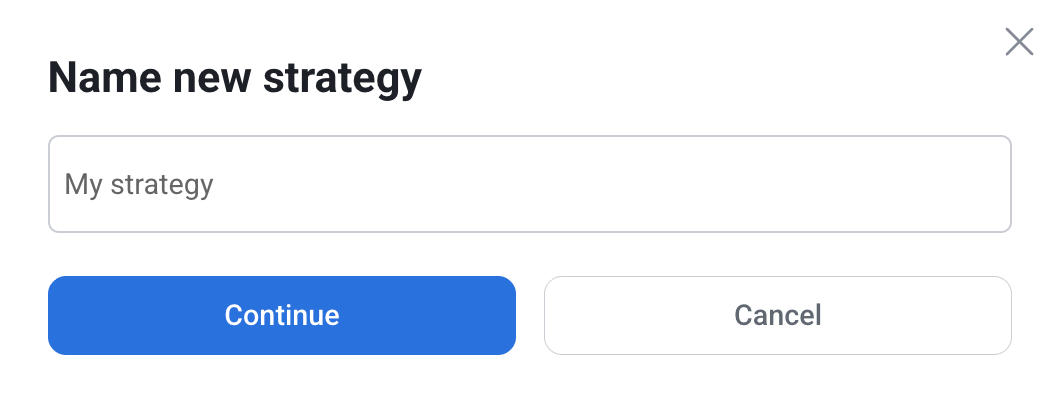
Name your new strategy and click Continue.
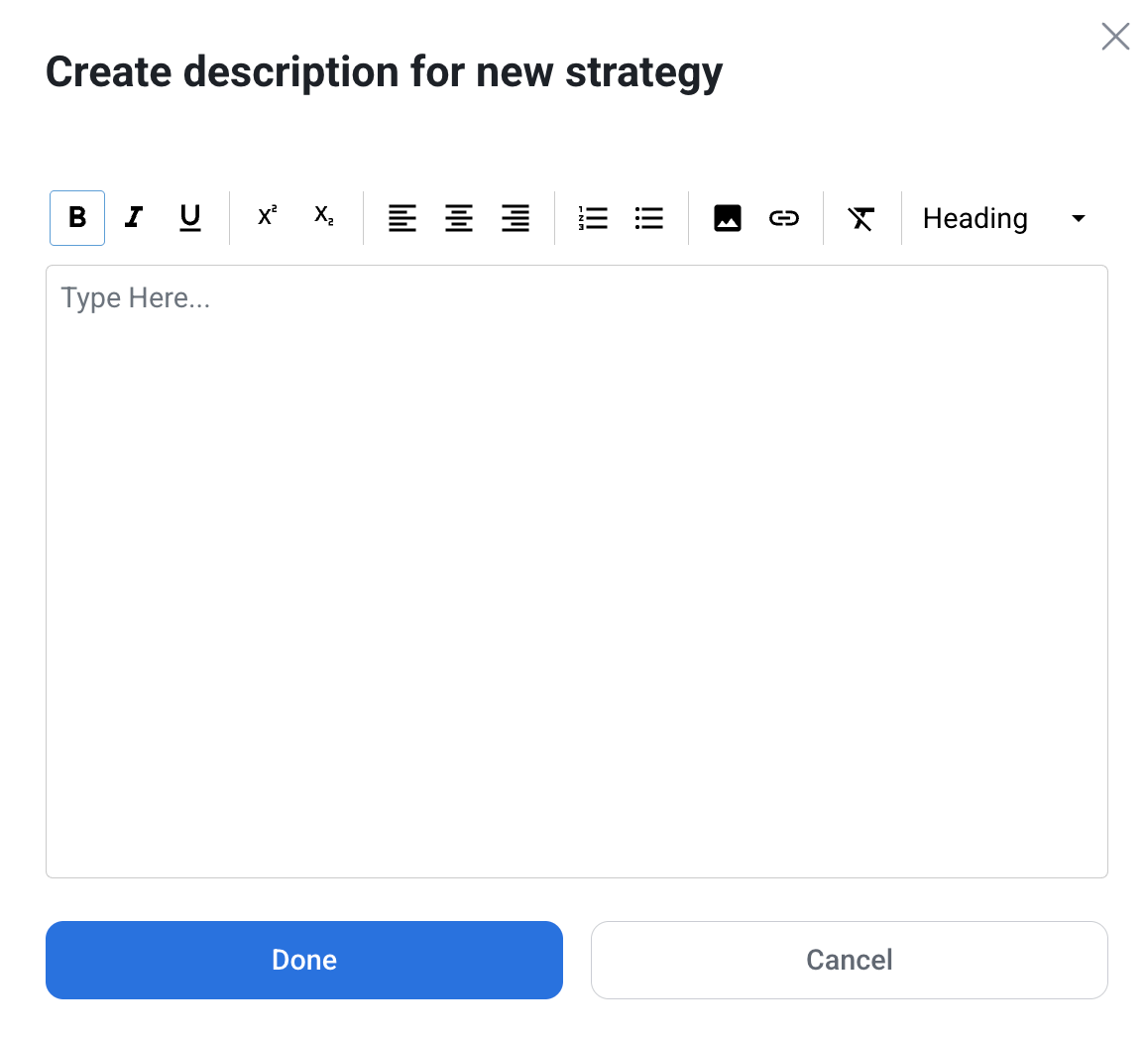
The next step is to create a description to the strategy. Every strategy supports descriptions in different languages. Just select your language and write a description about your strategy functionality. The main reason description was added is to allow you to keep track of your strategies via notes.