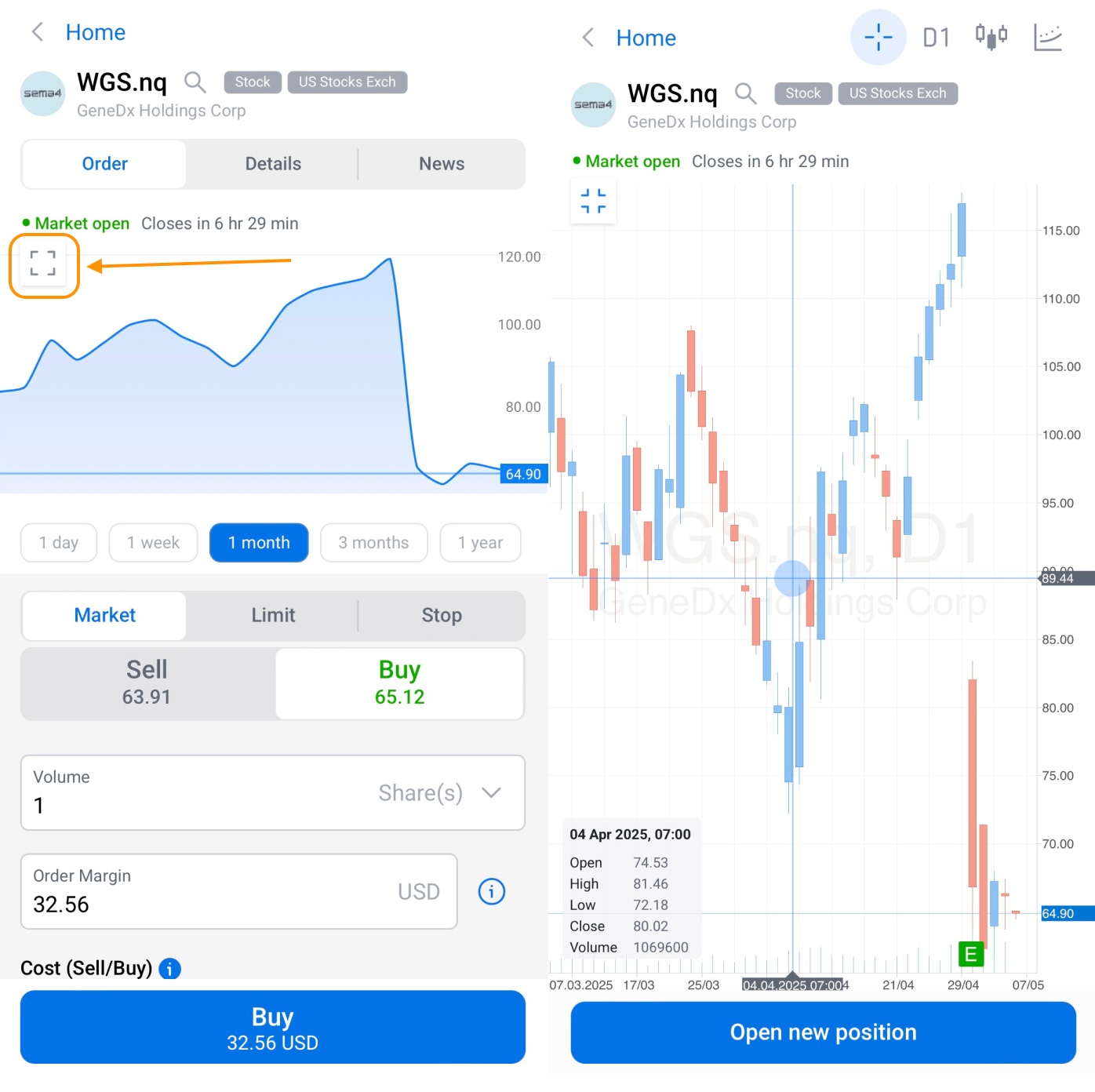
In the Mobile App
To hide all indicators and view only the chart, tap the small square icon located in the top-left corner of the chart. This action will remove extra elements from the screen, giving you a full-screen chart view for better analysis on the go.
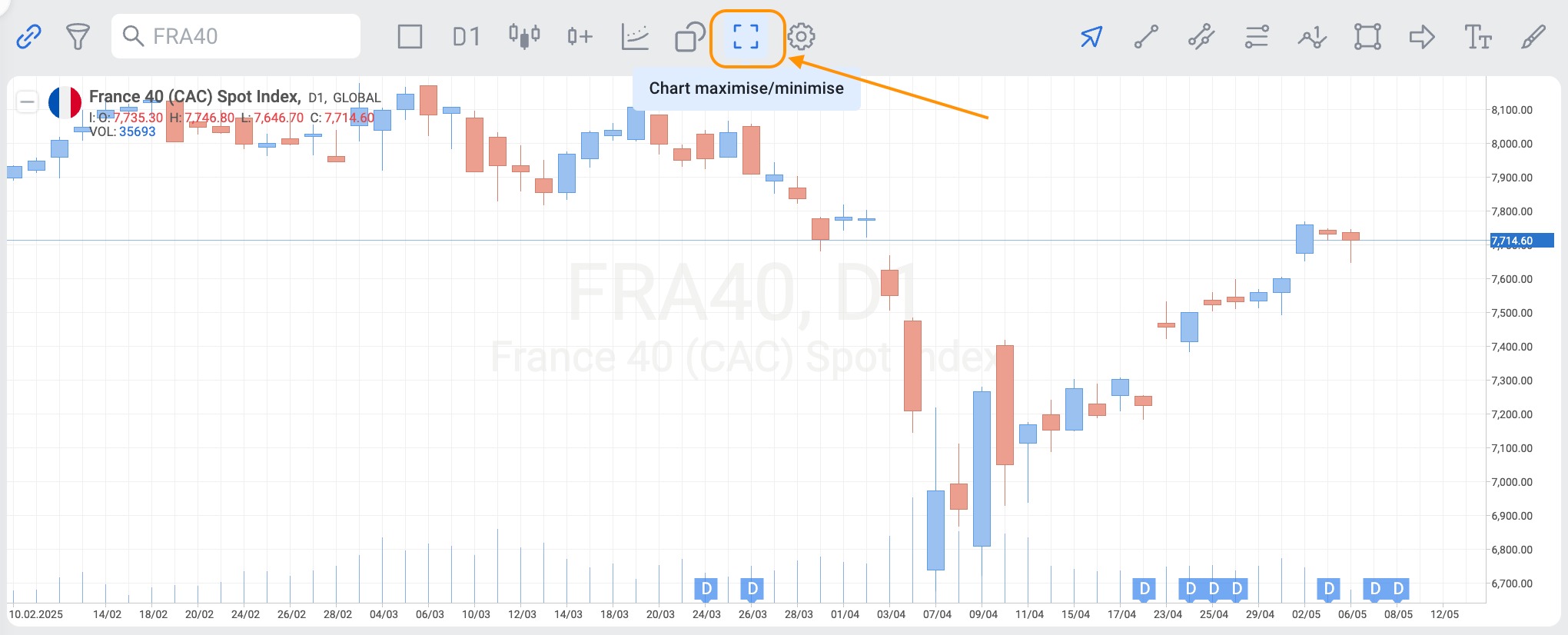
In the Web Terminal
Click the “Chart maximise/minimise” button above the chart, closer to the middle of the screen. This will collapse all panels and tabs, allowing you to focus solely on the chart.