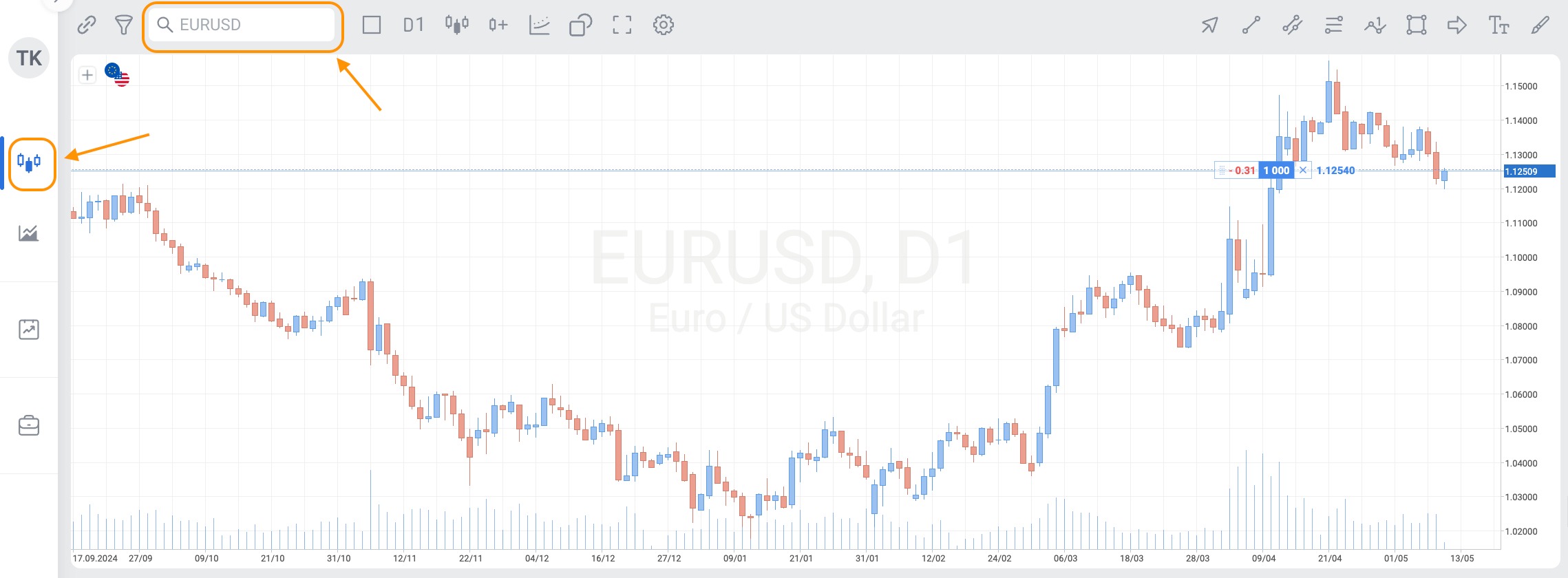
To access the list of tradable instruments using web version of the platform, log in to your account and open "Trading" tab. You will see the search field and a magnifying glass icon above the chart on the left, click the icon.
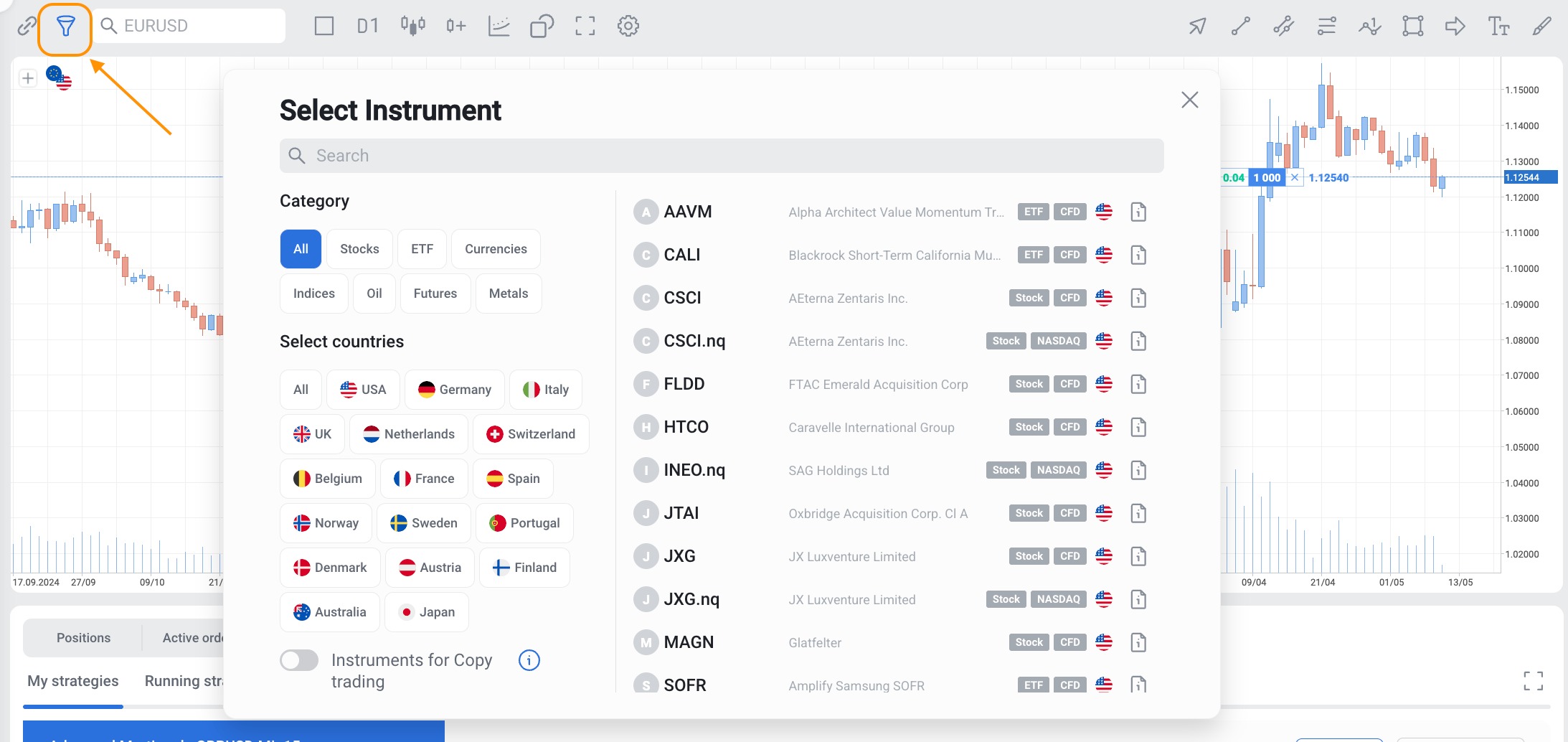
Alternatively, click the funnel icon to the left of the search field to filter instruments by category and country.
It is not possible to search the instruments by price. However, you may check the "Top Losers" watchlist which is a default analytical tool available on the platform. It displays a list of trading instruments that have experienced the largest price drops over a selected time period, such as 5 minutes, 30 minutes, 2 hours, or 1 day. This feature helps traders quickly identify which assets are declining the most, allowing for timely decision-making.